


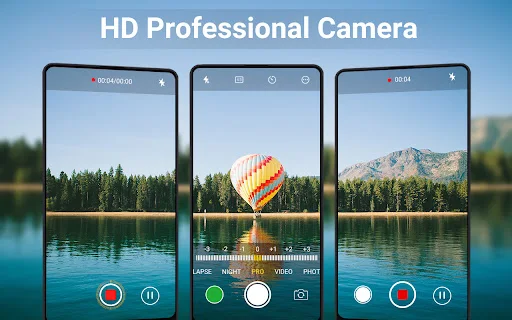
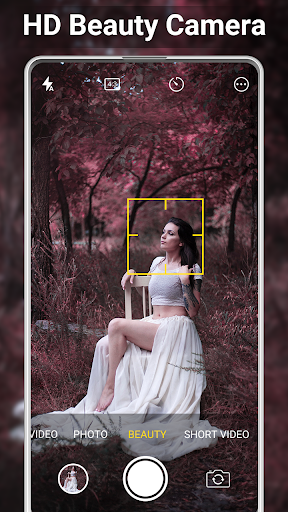
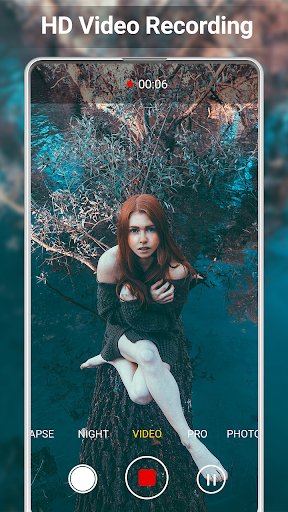
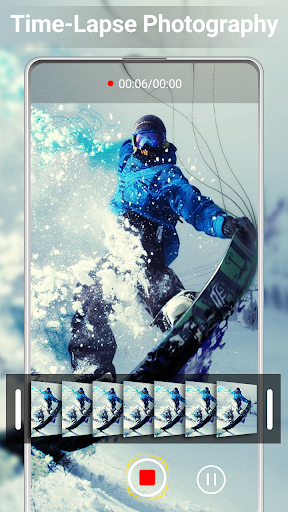
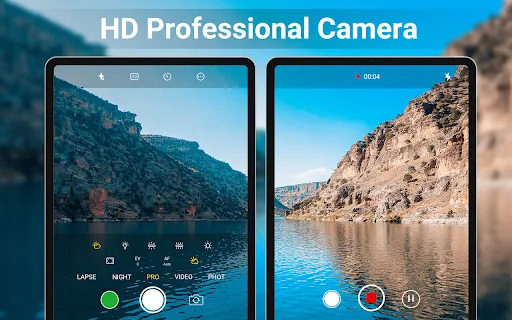
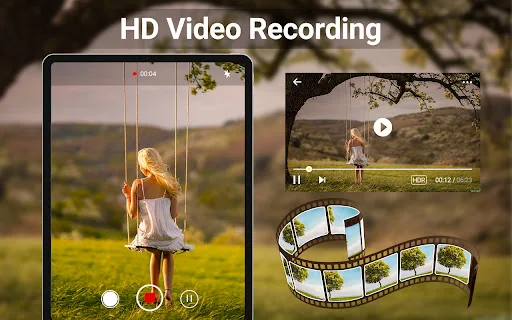
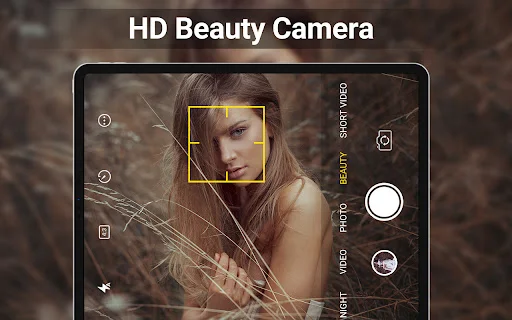
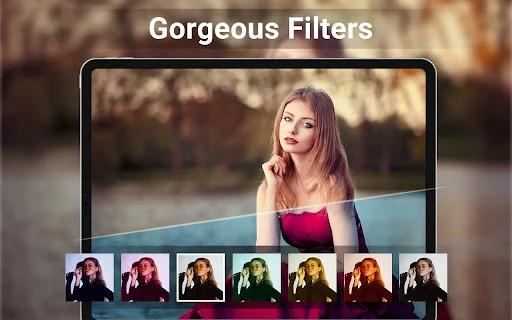
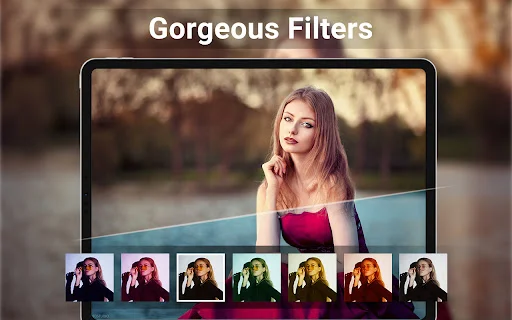
HD Camera for Android: 4K Cam is a photography app designed to capture photos and videos in HD quality. It includes features for real-time filter application and a professional capture mode, allowing users to take selfie photos and HD videos. Beyond capture, the app also provides tools for basic image and video editing, such as cropping pictures, creating photo collages, and trimming videos, making it suitable for preparing content for social media.
Capture and Recording Features
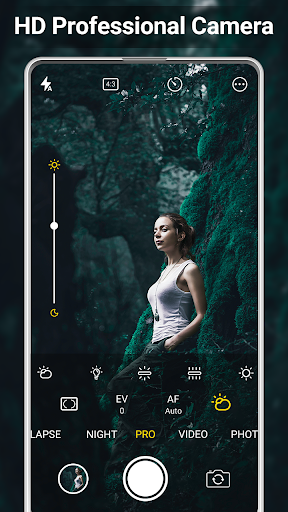
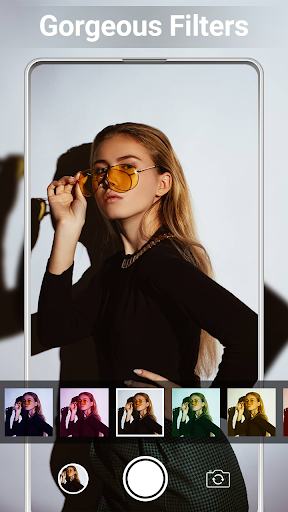
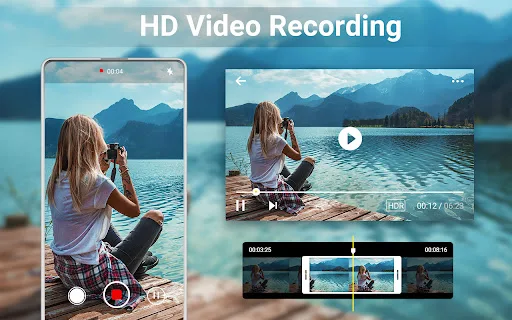
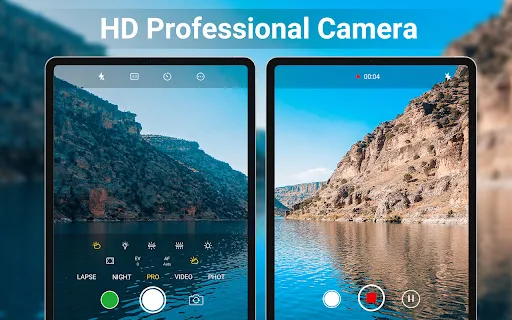
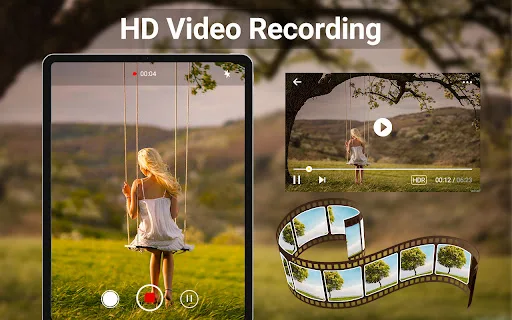
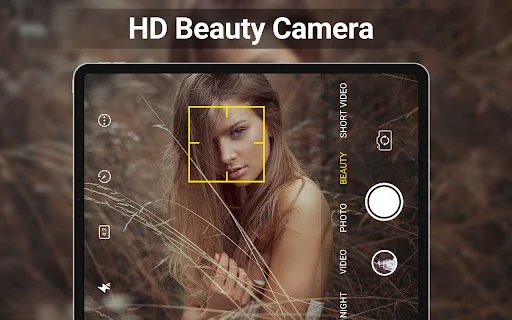
The app supports capturing both photos and videos in HD quality, with a stated capability for 4K video recording. It incorporates intelligent face detection and an auto-stabilize function to assist with image clarity. Users can preview various filter effects in real-time before taking a picture or starting a video recording. The app also offers a Camera Pro mode with adjustable settings like scene modes, color effects, white balance, ISO, and exposure compensation or lock. Additional capture features include support for HDR, quick snap, continuous shooting, and a configurable capture timer. Users can also choose to disable the shutter sound.
Photo and Video Editing Tools
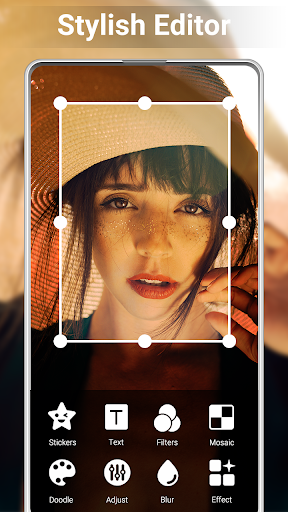
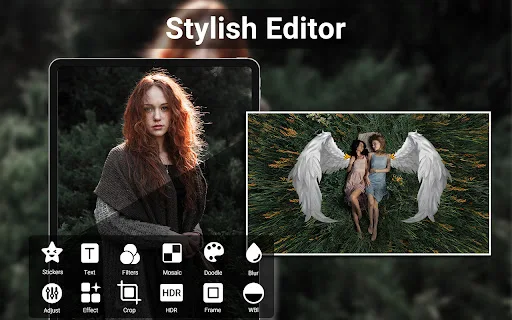
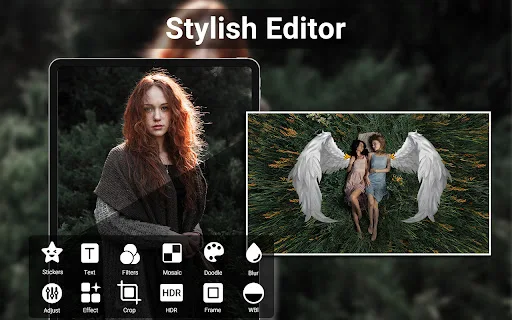
After capturing media, HD Camera for Android: 4K Cam provides built-in editing capabilities. The photo editor allows adjustments to brightness, contrast, vignette, fade, and temperature. For images, a collage maker and photo grid feature enables users to combine multiple pictures into a single composition. Video editing is simplified with tools to trim and cut recorded footage.
Advanced Functionality
The app includes several practical features to enhance the photography experience. It supports changing the save path for media to an external SD memory card, which can be useful for managing storage on devices. For composition, it offers a camera line and a golden ratio line overlay. Additionally, users have the option to enable location targeting, which includes GPS location tagging (geotagging) for photos. Photos can also have a date and timestamp, location coordinates, and custom text applied directly to them.
Recent Improvements
Recent updates have focused on refining core functionalities. Version 3.8.9 improved the camera’s performance and addressed known bugs. Version 3.8.8 enhanced the gallery features for better usability. More recently, version 3.8.7 introduced a Pro video mode and further improved existing functions to make snapping easier.





Write a review